
Utilization · Capacity
Plan the return journey with capacity in view
Review empty running, vehicle capacity and potential backloads in the dispatch workflow. Your team makes the final assignment decision.
01 / Return journeys
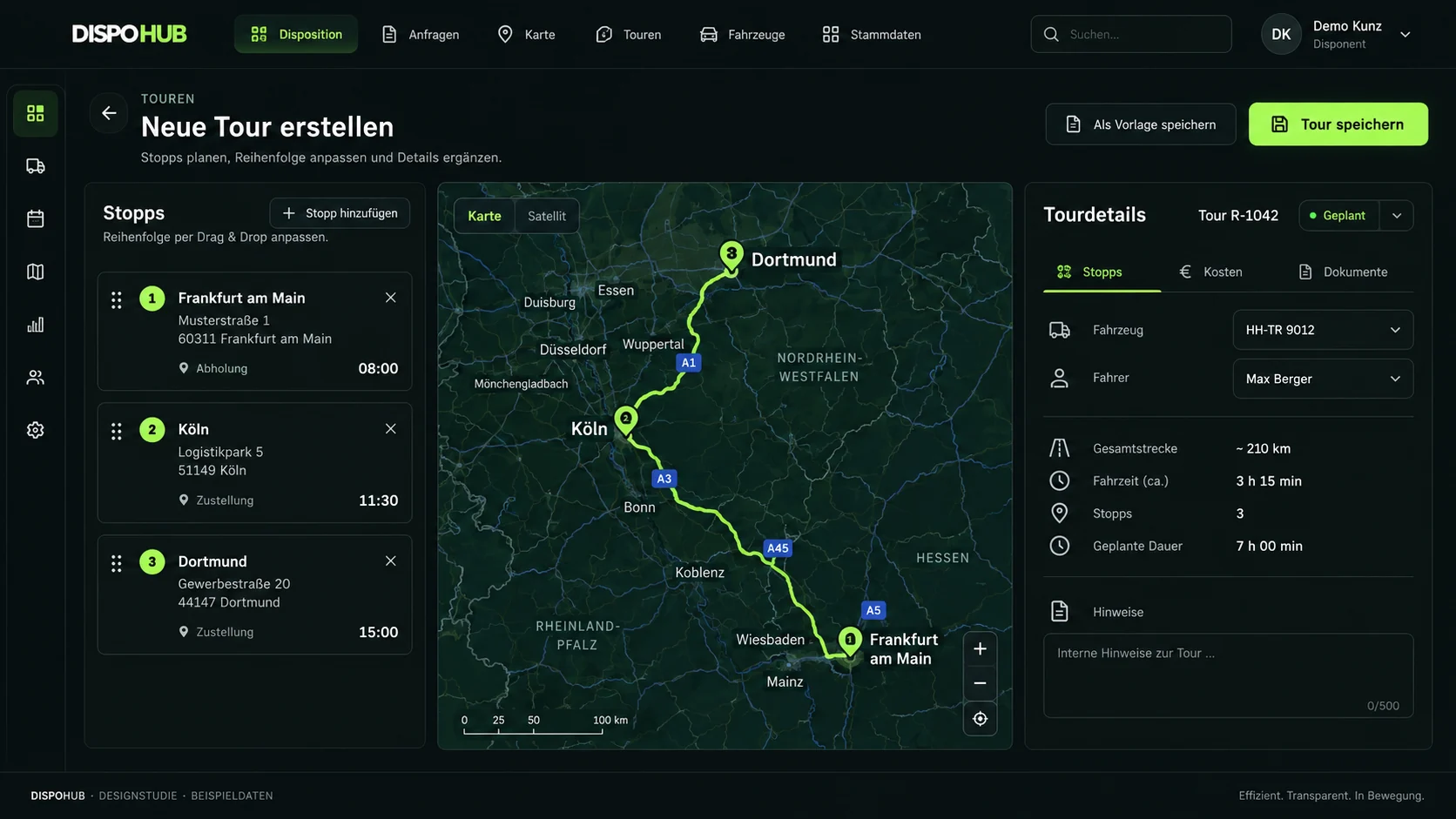
Review empty legs and potential backloads
See which capacity is returning and consider suitable own freight or freight-exchange offers.
- Review empty legs
- Plan potential return loads
- Consider loading meters and weight
Please check availability and limitations for your setup.
02 / Freight offers
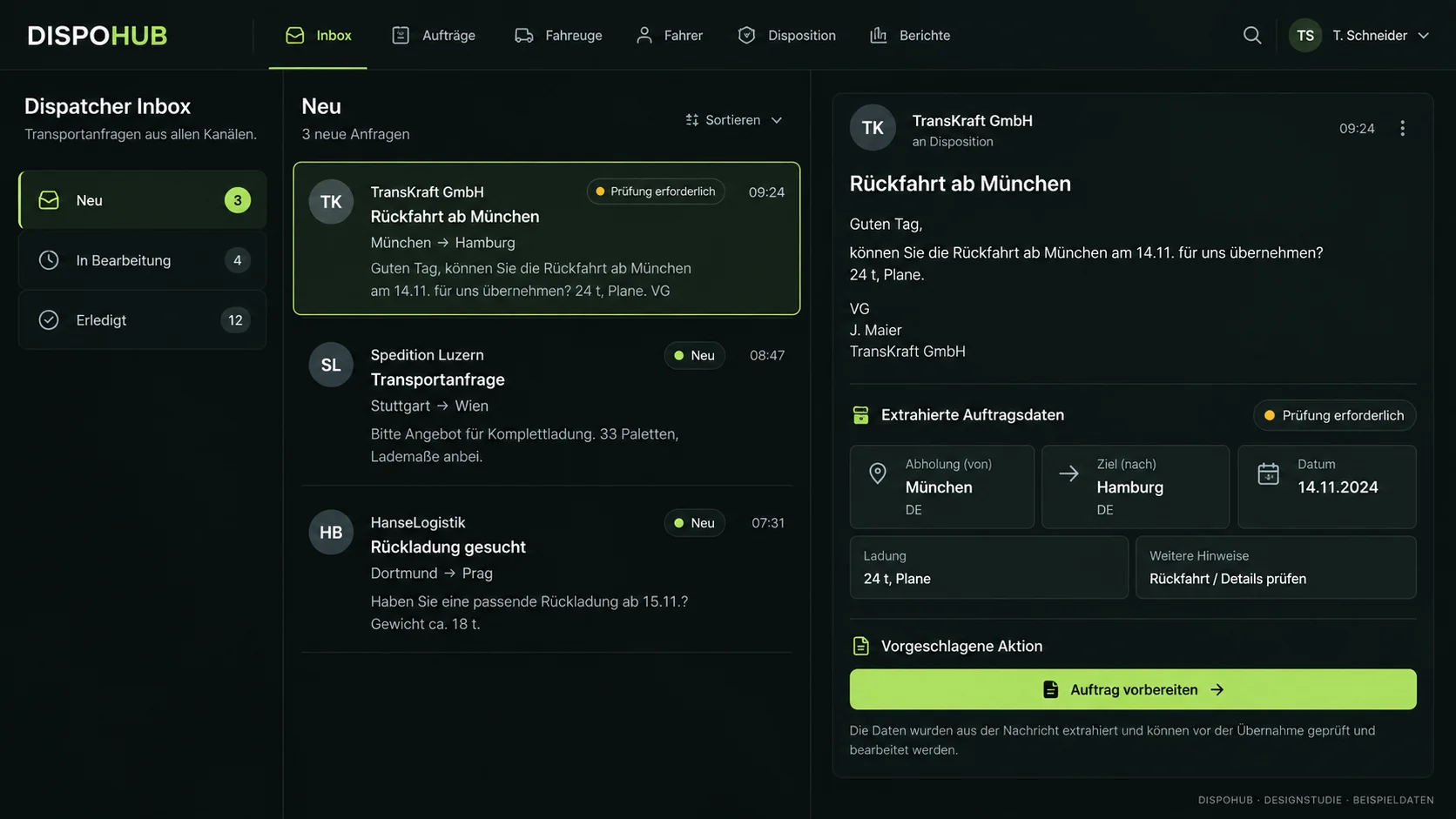
Bring available offers into the same view
Use the TIMOCOM inbox alongside capacity planning while continuing to use your freight exchange.
- Offers in the daily inbox
- Review the next order step
- Keep planning information together
Please check availability and limitations for your setup.
Questions about usage
Does DispoHub automatically eliminate empty journeys?
No. The system supports visibility of capacity, routes and offers. Dispatchers decide whether a backload is suitable.
What do bundling suggestions mean?
They can highlight shipments that might fit within a route corridor, including approximate detour information. Check availability and assess the actual operational constraints.
Do I need TIMOCOM to review return capacity?
You can consider return capacity alongside your own freight. The TIMOCOM inbox adds another source of offers when the integration is set up.
The next step
Your business. Your DispoHub.
Show us how you work. Together we’ll explore the plan and modules that fit your day.