
Dispatch Software
Dispatch software that brings the day together.
Plan orders, vehicles and tours together. Explore dispatch software with drag-and-drop assignment, TomTom maps and connected documents.
Hub Start from €49 net/month plus VAT · up to 5 vehicles/carriers · 14-day trial
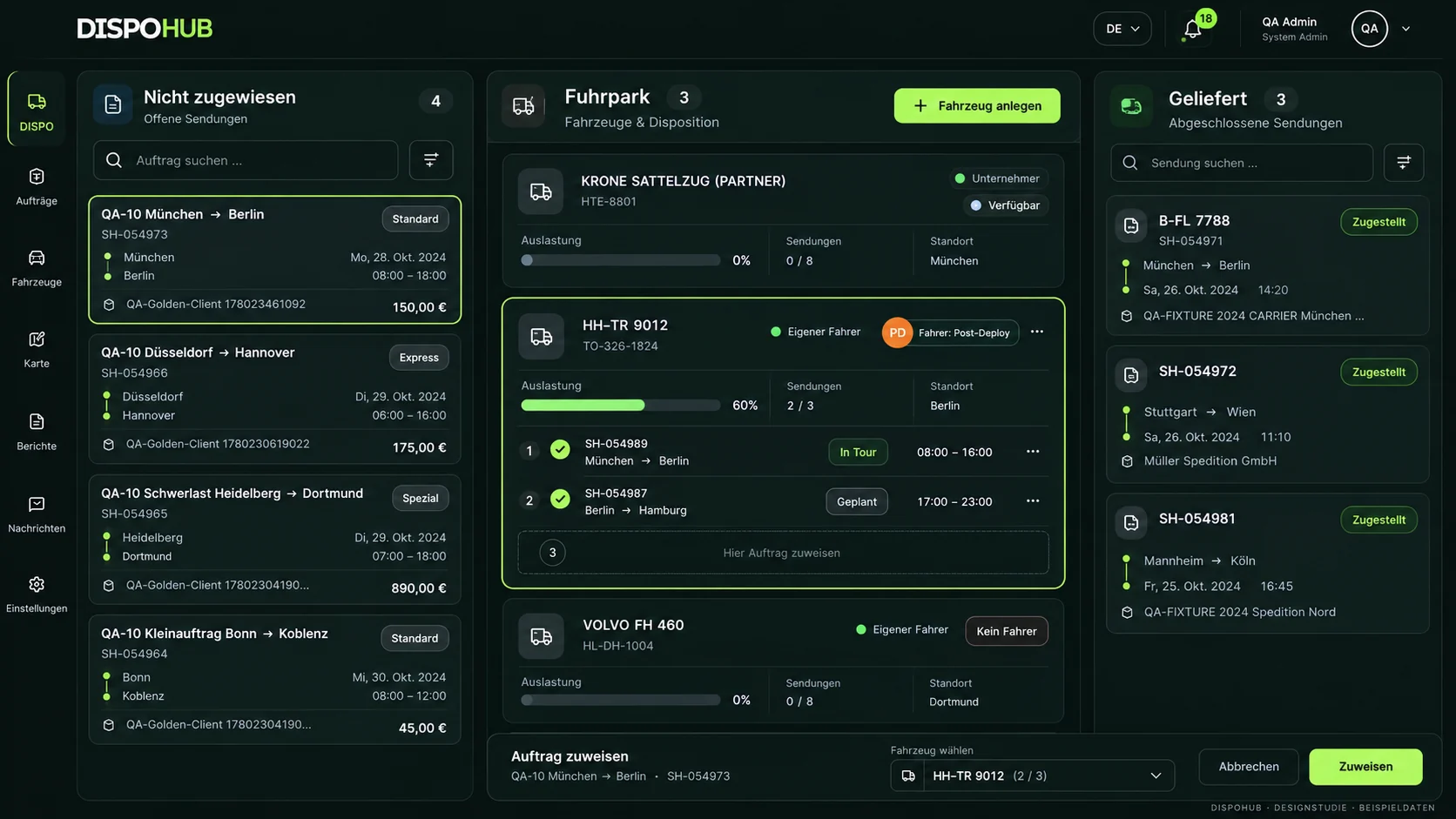
The DispoHub product vision
Dispatch that connects your team.
Assign orders, check capacity and follow changes together.
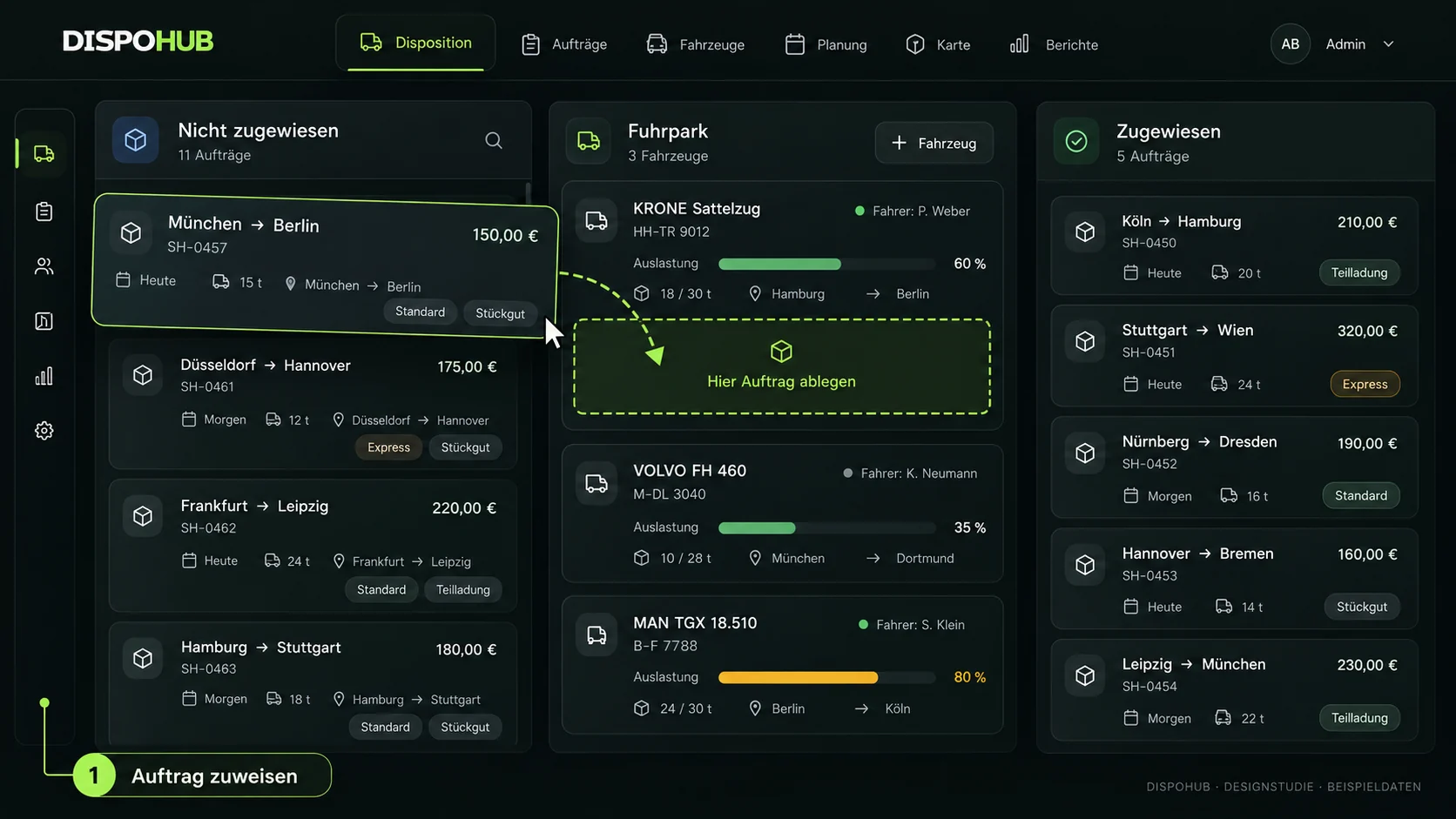
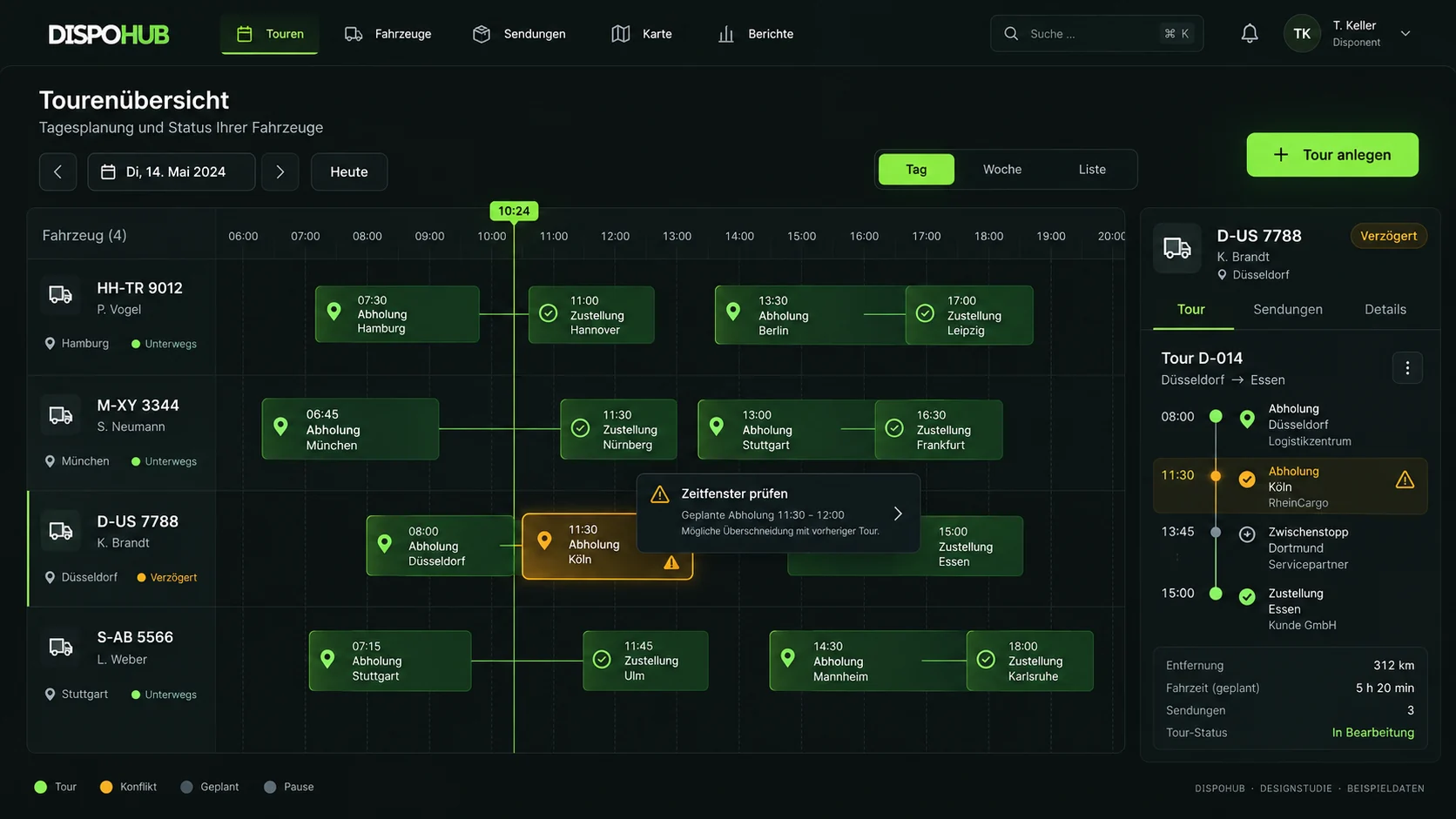
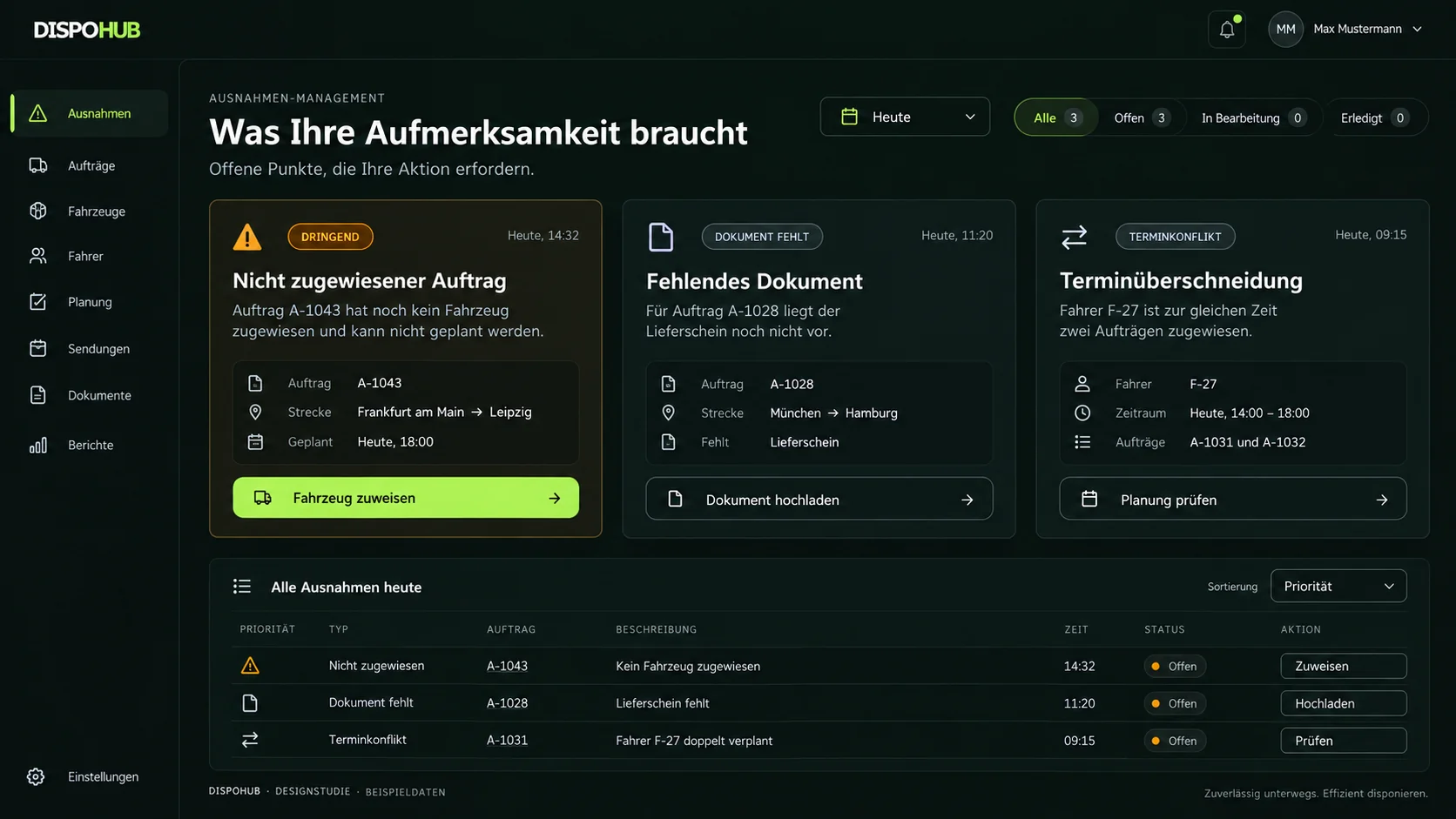
These visualisations are design studies with sample data. We review the currently available features, interface and your setup together in a demo.
Start with the right workflow.
A clear starting point makes implementation manageable.
Capture the order
Keep the customer, collection and delivery points, time windows and terms together. Start planning with the information you need.
Assign capacity
Assign the shipment to your own vehicle or a carrier. Review availability, suitability and the schedule before release.
Follow changes
When a time window changes, review the tour and affected orders together. Keep documents with their records.
What dispatch software needs to do each day
An enquiry arrives, a vehicle becomes available later and a customer requests a new time window. Dispatchers need to consider those changes together. DispoHub connects shipments, vehicles, carriers and tours in one dispatch center so the team can continue working on the same record.
The planning board supports drag-and-drop assignment. Dispatchers still check that the vehicle, capacity and timing suit the order. TomTom map and route information help assess the journey alongside the actual transport requirements.
From assignment to the right documents
Customers and subcontracted carriers need different information. Define which confirmation belongs to which recipient and which delivery evidence is required. DispoHub keeps orders, tours and their documents in the workflow.
The ChatGPT connection provides an additional route to queries and approved actions, initially through private Business setup. The dispatch interface remains the shared place to review planning and outcomes.
Start with a typical order
Choose an order that represents your everyday work. Add a customer, a vehicle or carrier, and the loading and delivery details. Walk through assignment, the tour and documents before adding more users or integrations.
Compare vehicle limits, roles, document storage and setup requirements alongside price. For a small team, understandable daily work and a clear handover to a colleague matter as much as the feature list.
Your decision
What to know before you start.
How do dispatch and route planning differ?
Dispatch connects orders, capacity and responsibility. Route planning focuses on stops, routes and time windows. DispoHub brings both perspectives into the transport workflow.
Can I plan my own fleet and external carriers?
Yes. DispoHub distinguishes your own fleet from external carriers. Review the assignment and relevant documents within each record.
Connect your operation
More connection.
More possibilities.
From conversation to settlement: explore the right extensions and their current availability.
ChatGPT × DispoHub
Query information. Prepare and confirm actions.
Explore the workflowYour AI team
Ready-built AI agents for dispatch, accounting and analysis, configured and trained for your business.
Explore the workflowPartnerConnect
Planned order handover directly into your transport partner’s DispoHub.
Explore the workflowCustomer portal
Shipment information and released documents with your branding.
Explore the workflowTransport & settlement
Explore self-billing, fuel surcharges, evidence and factoring workflows.
Explore the workflowYour tools, connected
Explore Outlook, Slack, TomTom and planned telematics connections.
Explore the workflowMore possibilities. Clearly explained.
Move your working day forward.
Explore workflows that fit your business, with clear requirements and a practical next step.
The next step
Your business. Your DispoHub.
Show us how you work. Together we’ll explore the plan and modules that fit your day.