
Set up access
Decide who should participate as accountant or tax adviser and which permissions they need.
Operations × Accounting
Invoices, expenses and documents are a team effort. Give your accountant a personal way to participate in your transport workflow.
Dedicated accountant access · Permissions suited to your business
How the steps fit together
Decide who should participate as accountant or tax adviser and which permissions they need.
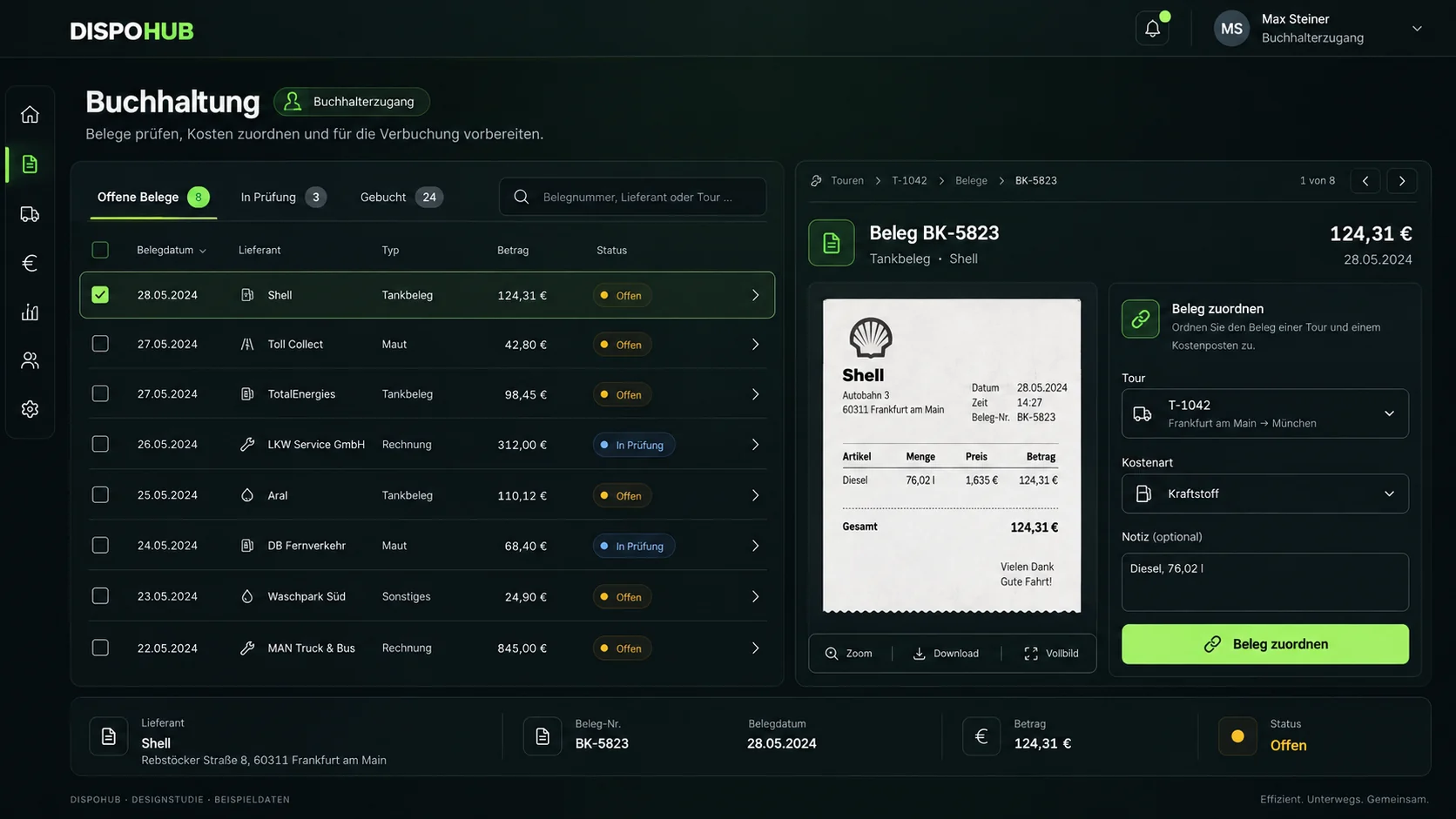
Work with invoices, expenses and documents in the intended workspace. Resolve questions in the context of the relevant records.
Review outstanding items, missing documents and agreed export requirements together.
DispoHub provides for accountant and tax adviser roles with an accounting landing area. Configured permissions determine the data people can see and the changes they can make.
A transport is complete but supporting evidence is missing. An expense has been recorded but still needs allocation. Agree who resolves outstanding items and when the month is reviewed. The software supports collaboration while your team retains responsibility for financial checks.
Agree required data, formats and handover methods with your accounting firm. Accountant access and a DATEV integration are different services. We discuss the available export and integration scope for your existing system.
The new test-environment feature applies an agreed percentage to net base freight. Company defaults and customer agreements with effective dates provide the basis. The surcharge is explicitly applied; an automatic diesel price index connection is not part of this workflow.
The workflow implemented in the test environment concerns your own customer invoices. It organises preparation and documented submission to the agreed finance provider, followed by advances, fees and final payments. An advance does not mean the invoice is fully paid. Automatic provider integration or payout is not promised.
The new invoice-sending workflow groups saved PODs, CMRs and delivery notes by shipment for selection and review. Required-evidence rules and actual email delivery need acceptance before production use.
Customer billing and carrier settlement concern different parties. Explore the new supplier-invoice and agreed self-billing workflows, partial payments and SEPA export on the dedicated page. These workflows are undergoing product acceptance.
DispoHub provides for accountant and tax adviser roles and a dedicated entry point. Setup, data visibility and permitted actions are defined for your business.
No. Access enables collaboration within DispoHub. Exports or a direct DATEV connection require a separate scope and availability check.
No. DispoHub helps organise invoices, expenses and documents. Tax decisions and closing work remain with your qualified advisers.
More possibilities. Clearly explained.
Explore workflows that fit your business, with clear requirements and a practical next step.
The next step
Show us how you work. Together we’ll explore the plan and modules that fit your day.