
Integration · TIMOCOM
Freight offers connected to your daily dispatch
Bring TIMOCOM offers into your daily overview and review the next step from offer to transport order.
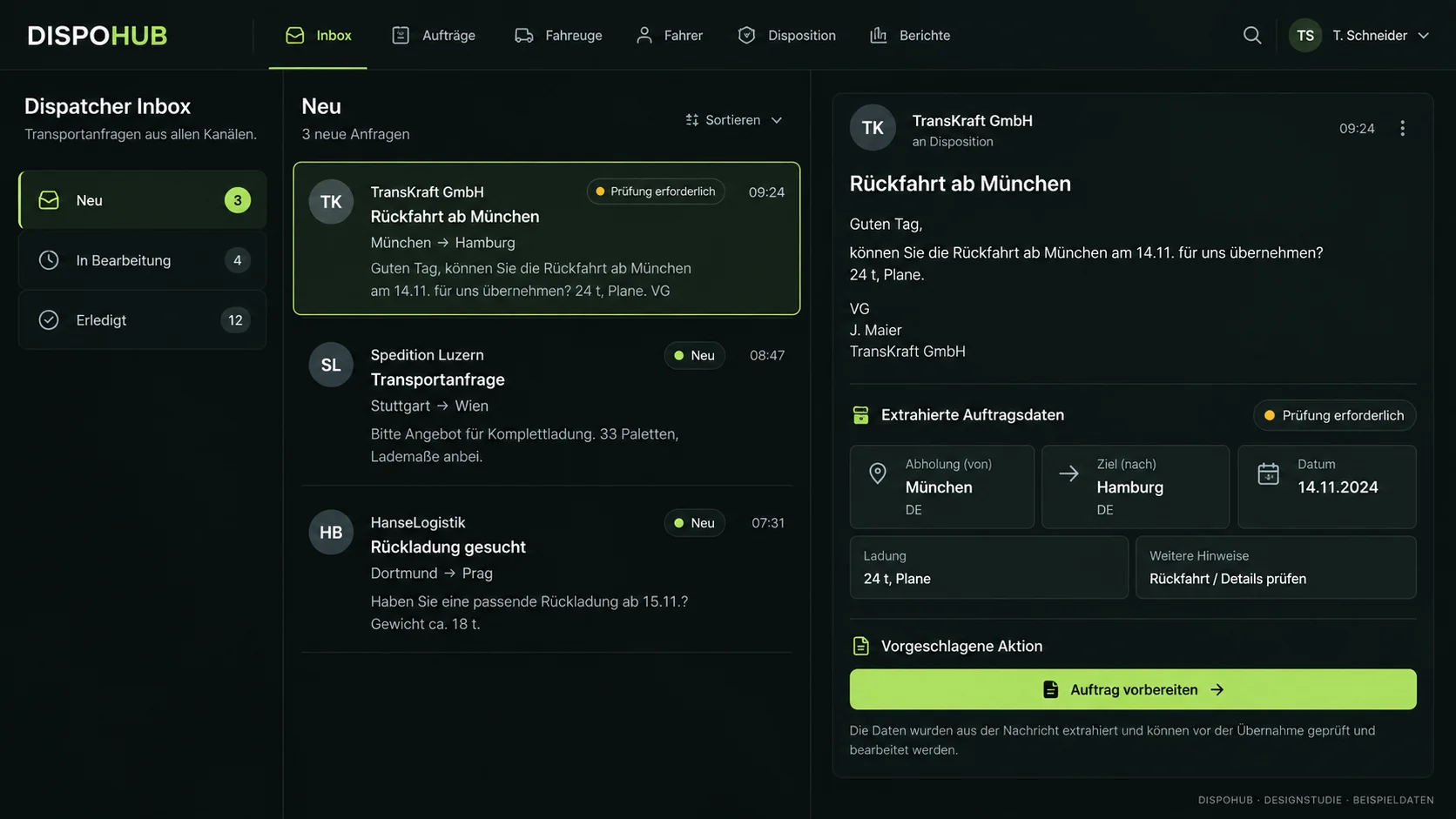
01 / Daily inbox
Review offers where your day starts
See incoming offers alongside the information you use to organize the transport day.
- TIMOCOM offers in the daily overview
- A shared starting point for the dispatch team
- Review the path from offer to order
Please check availability and limitations for your setup.
02 / Backloads and capacity
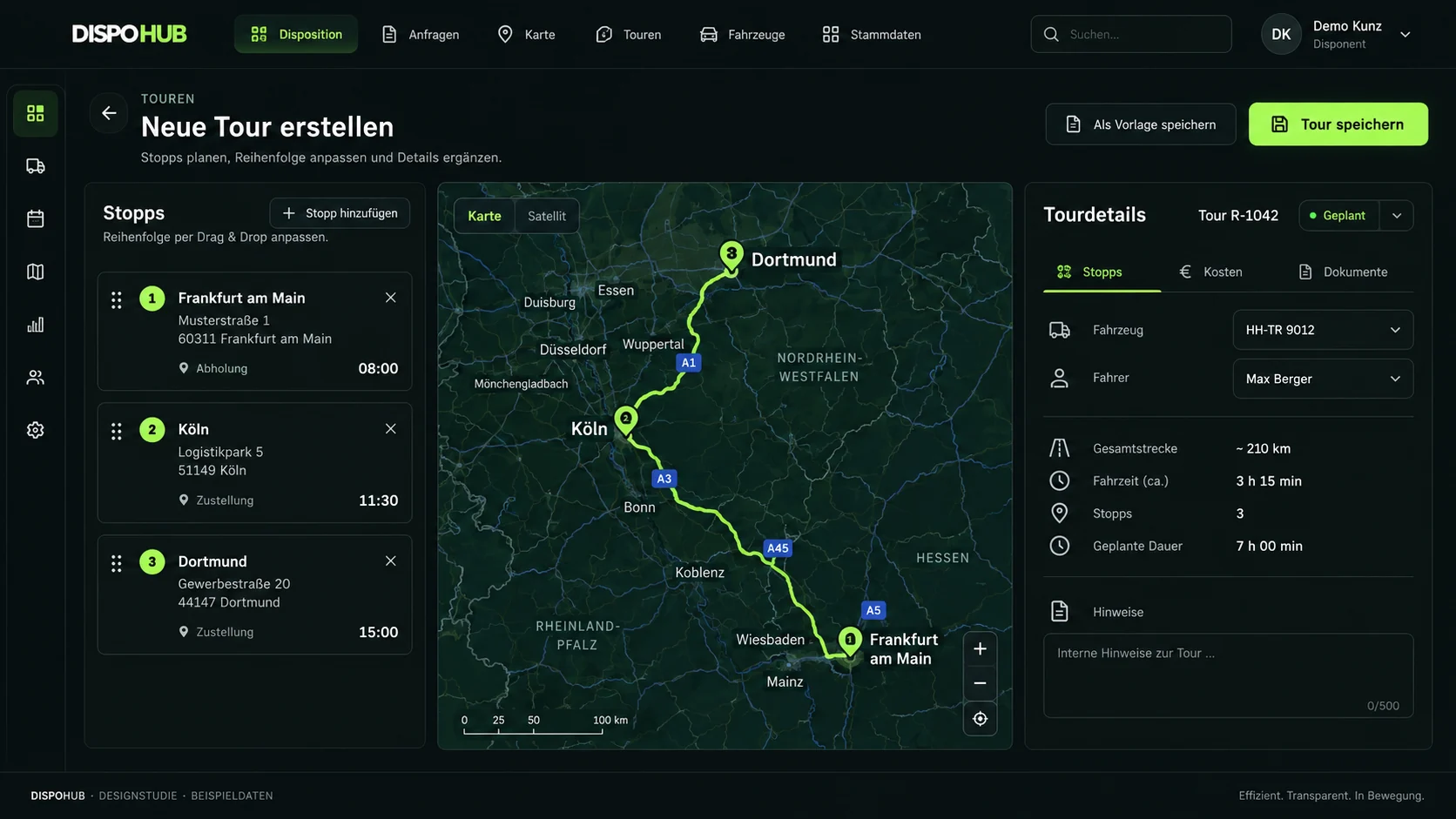
Review capacity for the return journey
Consider your own freight and available offers in the context of planned vehicle movements.
- Review empty running
- Plan potential backloads
- Check available capacity
Please check availability and limitations for your setup.
Questions about usage
Does DispoHub replace the TIMOCOM freight exchange?
TIMOCOM remains your freight exchange. DispoHub supports the subsequent order and dispatch workflow.
Will every field synchronize automatically?
Do not assume full real-time synchronization. Confirm supported data, permissions and setup with our team.
Can the inbox help with backload planning?
It can bring offers and capacity into the same working context. Dispatchers still assess whether an offer fits the vehicle and route.
The next step
Your business. Your DispoHub.
Show us how you work. Together we’ll explore the plan and modules that fit your day.