
Tour planning · Cost visibility
Review tour costs before the work begins
Bring stops, fuel, tolls and documents into the planning conversation between dispatchers and business owners.
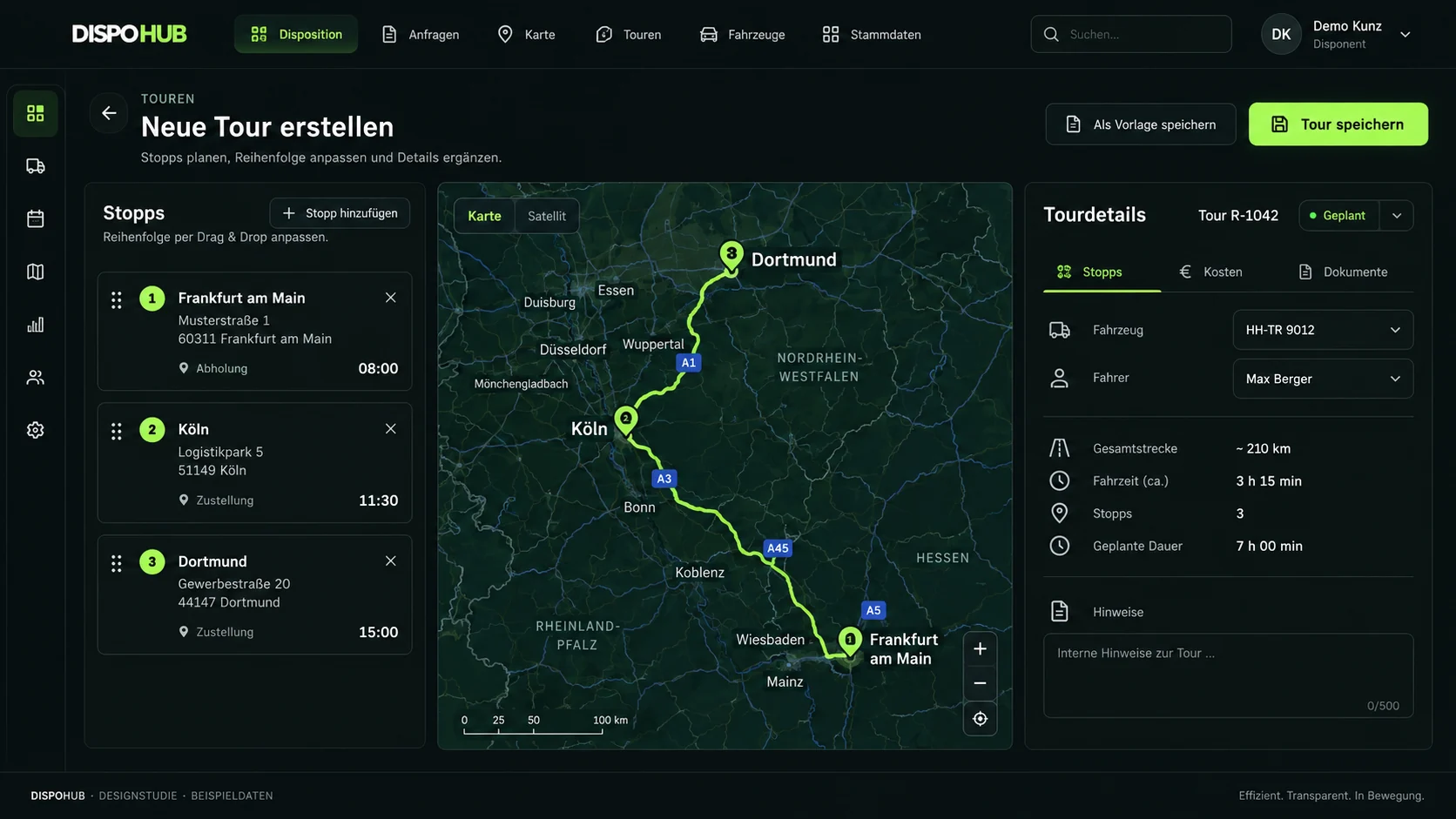
01 / Stops and costs
Fuel and toll estimates at tour level
Review stop order and relevant cost assumptions before confirming the tour.
- Plan and arrange stops
- Review fuel and toll components
- Keep documents with the tour
Please check availability and limitations for your setup.
02 / Routes and documents
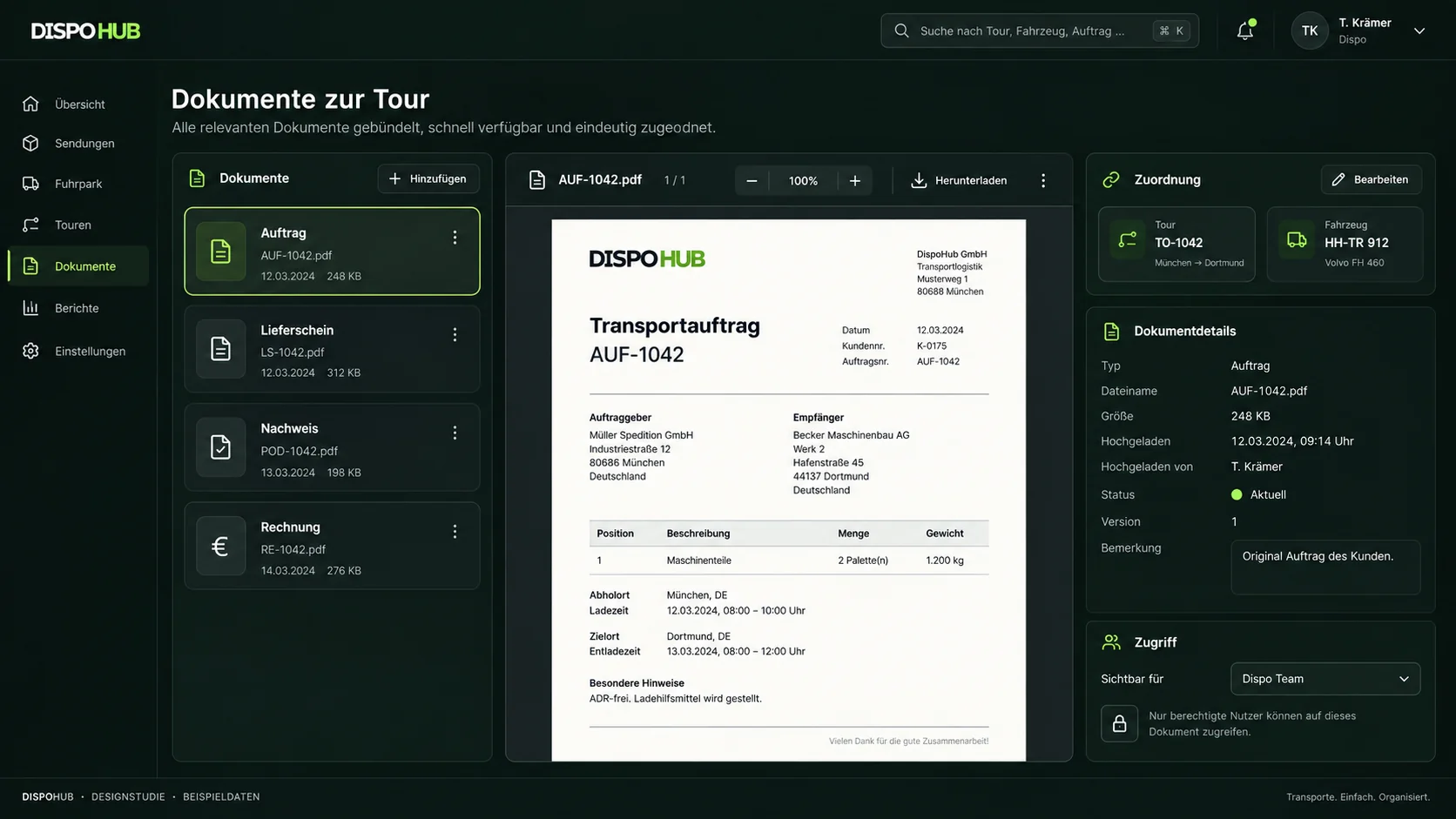
Keep the route and its records together
Connect route planning, delivery records and the information shared with drivers and partners.
- Linked routes and stops
- Documents associated with the tour
- A shared operational record
03 / Tracking and portals
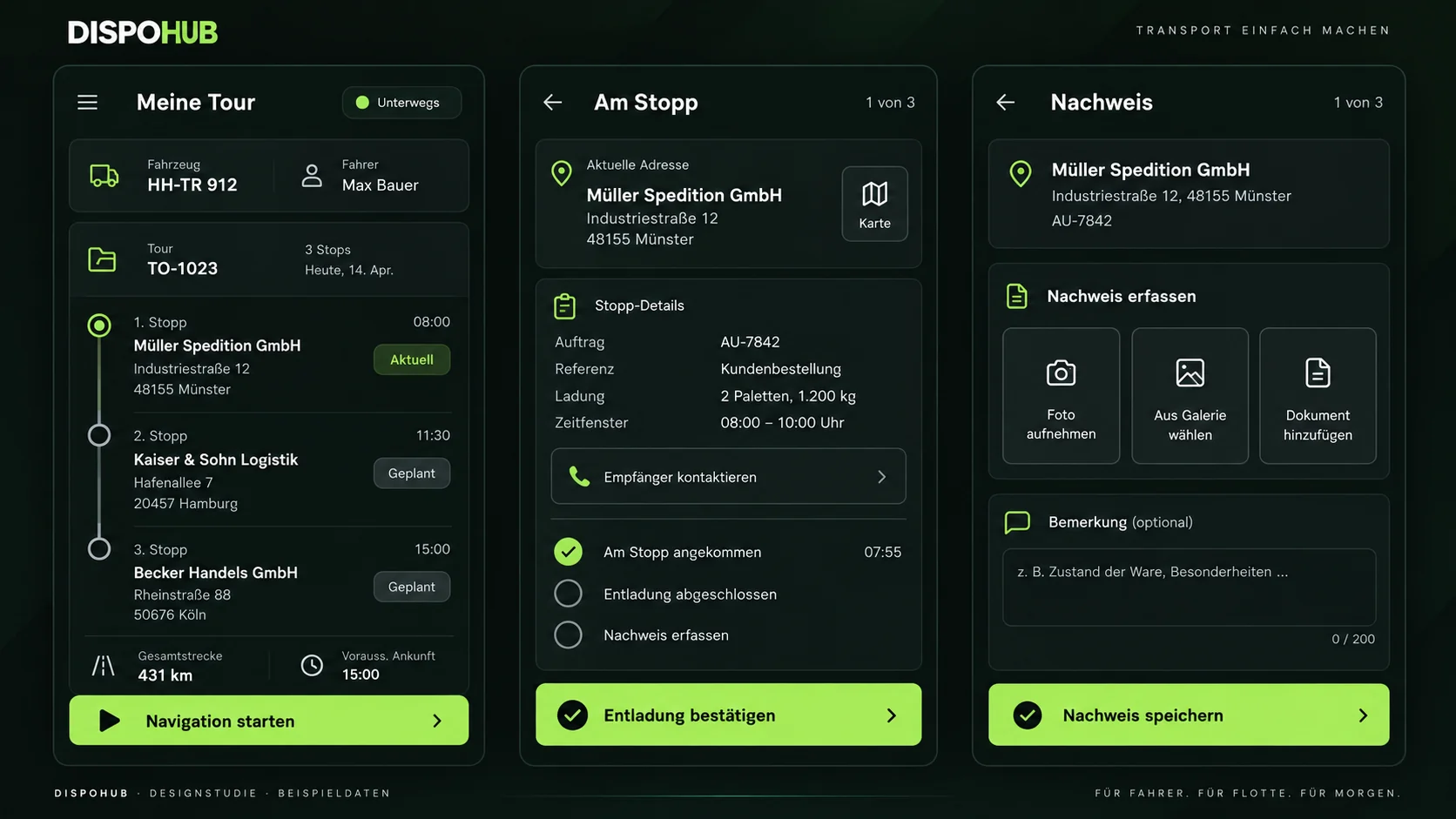
Views for drivers, customers and carriers
Review the portal and tracking options available for the people involved in a tour.
- Tour-related tracking portals
- Customer and driver views
- Carrier records and supporting documents
Questions about usage
Are the displayed costs final accounting figures?
They are planning estimates. Actual accounting should follow your invoices, receipts and business settings.
Who uses the cost view?
Dispatchers can review the planned stops while owners and managers assess the assumptions behind fuel, tolls and the transport price.
Can I create consolidated delivery documents?
Document options depend on the tour workflow and setup. Confirm the exact document format you need in the product demo.
The next step
Your business. Your DispoHub.
Show us how you work. Together we’ll explore the plan and modules that fit your day.