
Freight Software
Freight software for your business. And your partners.
Connect customer orders, your own fleet and partner carriers. Explore freight forwarding workflows, documents and invoicing with DispoHub.
Hub Start from €49 net/month plus VAT · up to 5 vehicles/carriers · 14-day trial
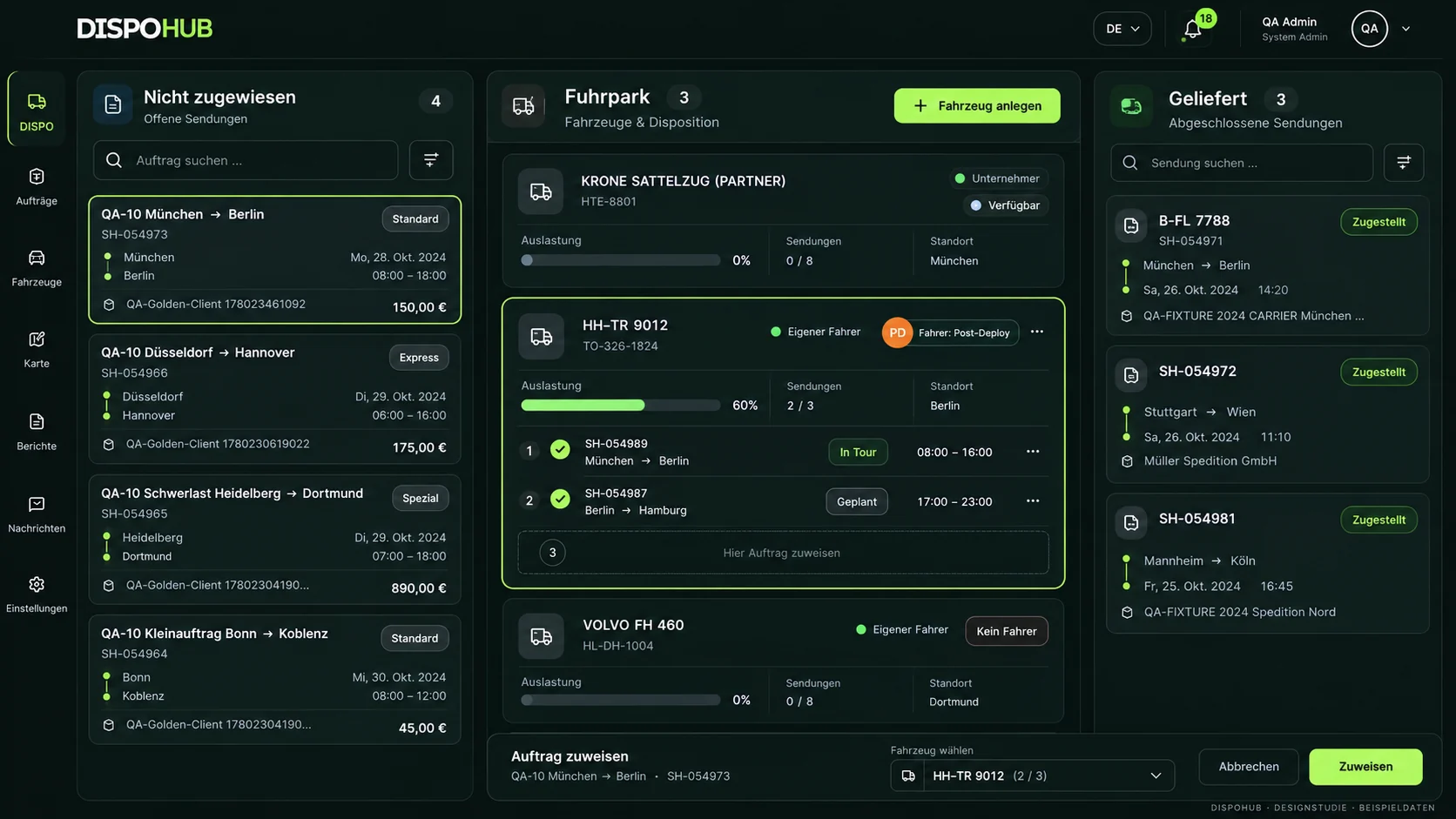
The DispoHub product vision
Plan your own fleet and partner carriers.
Manage orders with your own vehicles and carriers. Keep customer and partner documents distinct.
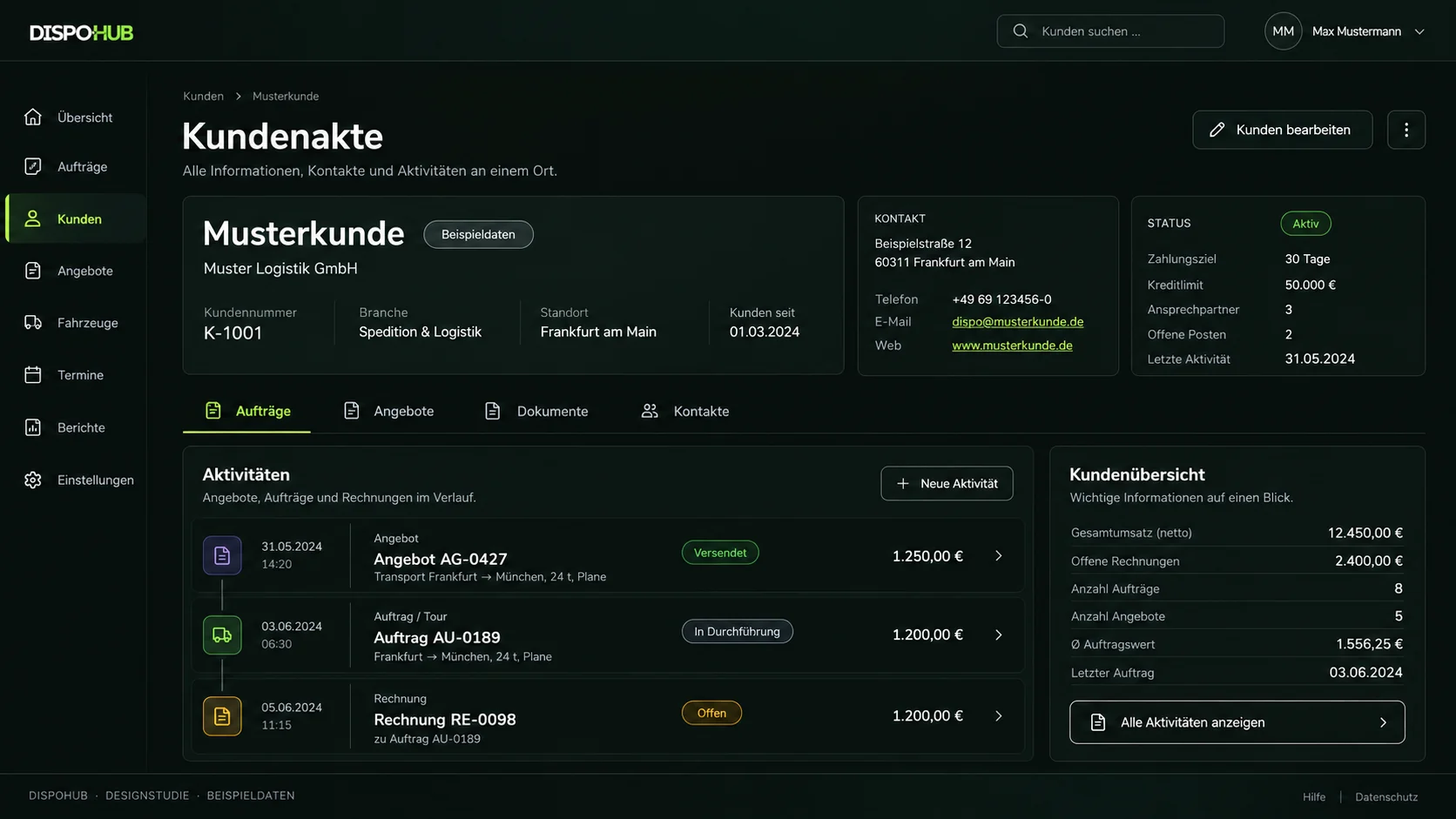
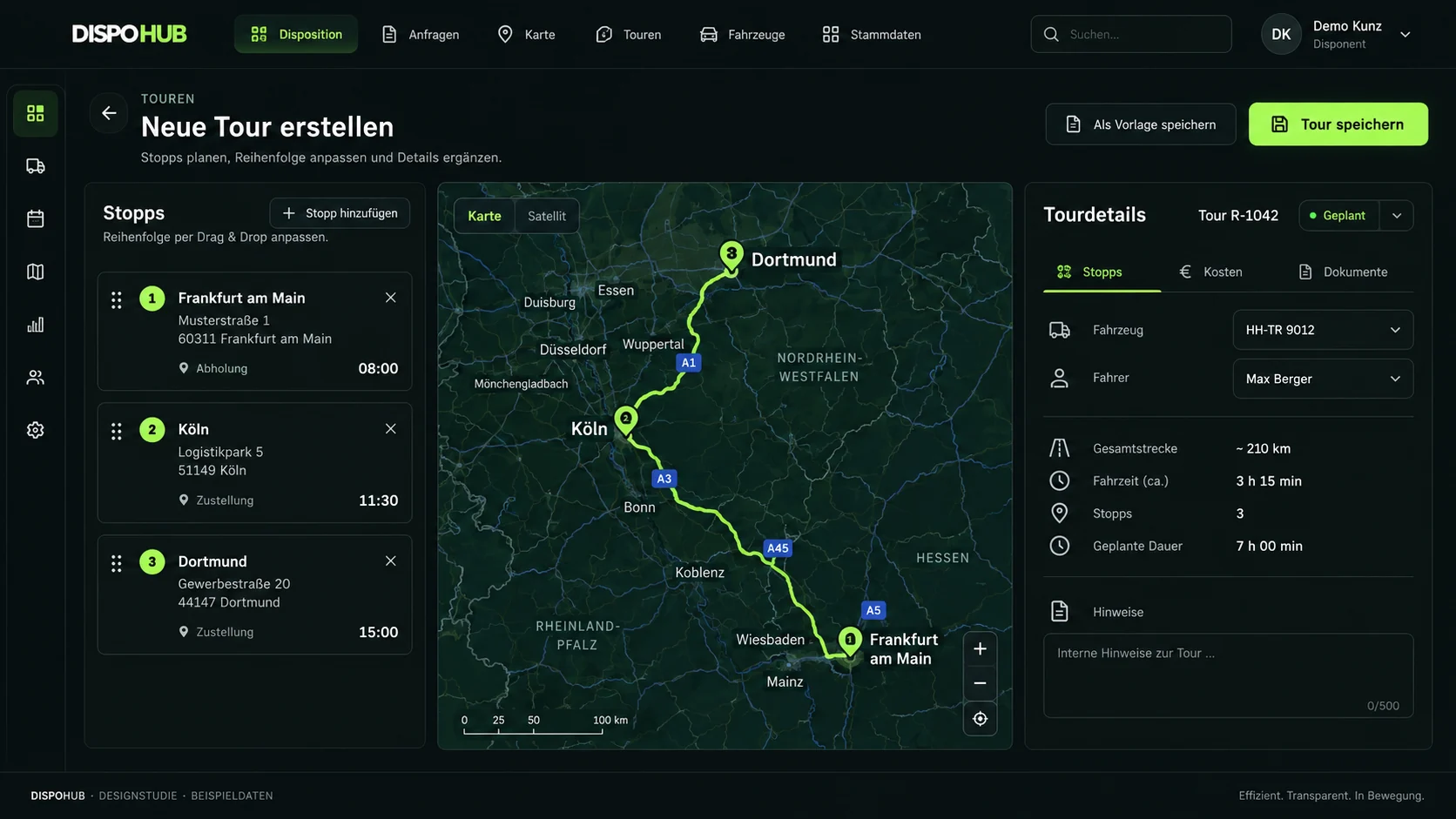
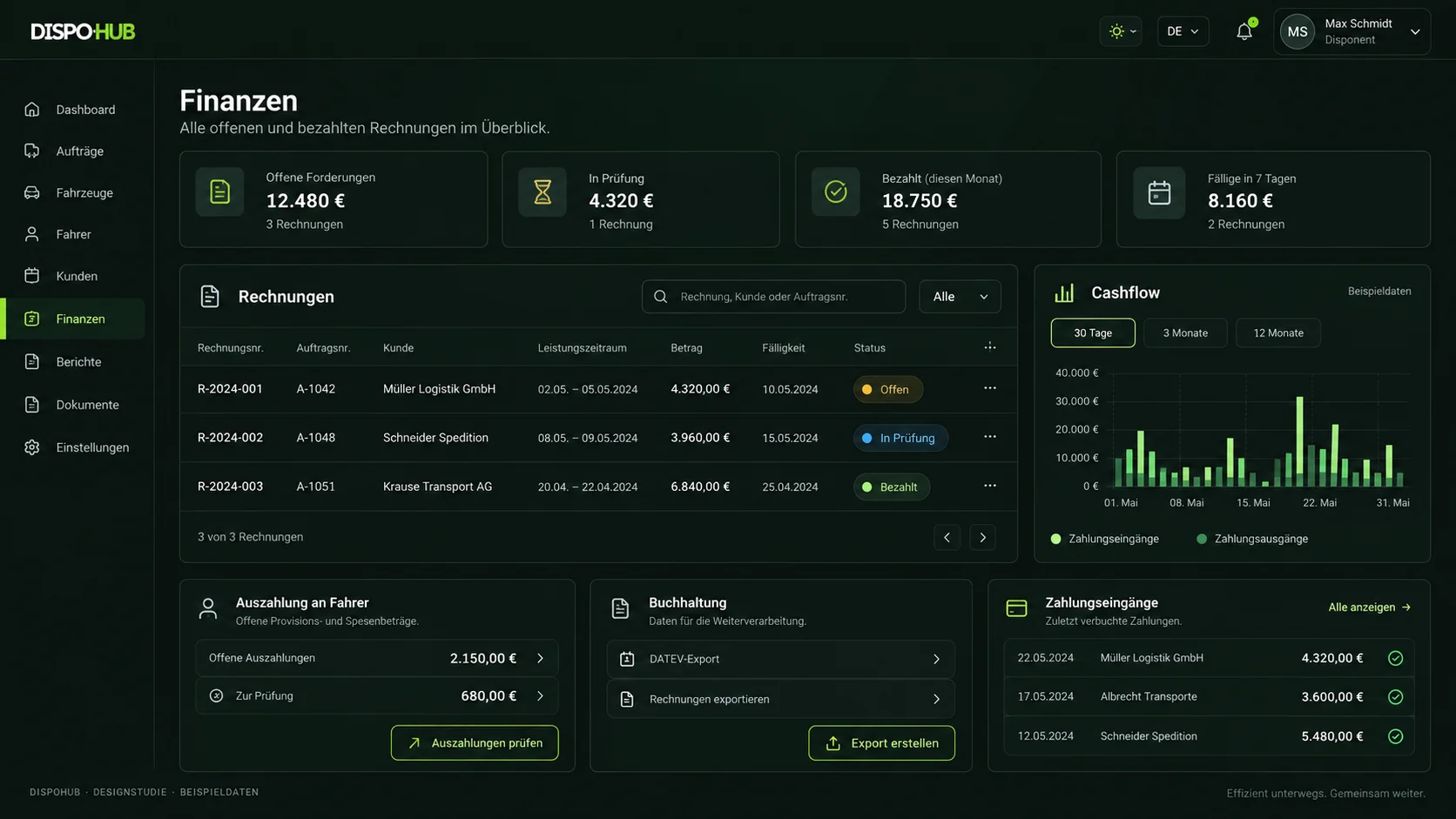
These visualisations are design studies with sample data. We review the currently available features, interface and your setup together in a demo.
Start with the right workflow.
A clear starting point makes implementation manageable.
Capture the customer order
Record the contact, service and agreed terms. A clear starting point supports the steps that follow.
Arrange the transport
Use your own capacity or assign a carrier. Customer and partner documents serve different purposes.
Review billing
Check delivery evidence, agreed services and related expenses. Include accounting with suitable permissions.
One workflow for your fleet and subcontracting
Small freight forwarders often use several operating models. One order travels on an owned vehicle while another goes to a partner. Both need reliable customer, stop, pricing and execution information. DispoHub brings those records into a shared workspace.
For subcontracted transport, the carrier remains a distinct partner. Review the assignment and corresponding confirmation. Own-fleet work focuses on the vehicle, driver and tour. The team can consider the same order from commercial and operational perspectives.
From offer to invoice review
An offer provides the basis for a later order. Record services and terms so dispatch and billing can build on them. Review additional services before including them on an invoice.
DispoHub includes offers, invoices and expenses. Accountant access supports collaboration in the intended workspace. Discuss the availability and setup of any structured e-invoice or export formats before changing your processes.
Connect systems to practical freight workflows
TomTom supports mapping and routing. The TIMOCOM inbox handles freight offers subject to the appropriate setup. The ChatGPT Business connection provides another way to query information and approve supported actions. Each has a distinct scope.
Evaluate freight software using a representative order from offer through assignment to documents and billing. Compare plan limits, permissions, implementation work and existing tools. A feature list alone cannot establish how well your daily process will work.
Your decision
What to know before you start.
Is DispoHub suitable for a small forwarding business?
DispoHub also serves small transport and forwarding teams. Consider your required capacity, roles and workflows. Current standard plan limits are listed on the pricing page.
Does a plan include TIMOCOM access?
DispoHub does not replace your TIMOCOM contract. Access, permissions and inbox setup are reviewed separately for your operation.
More possibilities. Clearly explained.
Move your working day forward.
Explore workflows that fit your business, with clear requirements and a practical next step.
The next step
Your business. Your DispoHub.
Show us how you work. Together we’ll explore the plan and modules that fit your day.